Free Spinbot Tool That Rewrites Like a Human
Paste your text, choose tone and language, and get a cleaner, more unique version in seconds. Built for writers, students, and SEO drafts.
Input
0 / 3000
Output
We don’t store your text. Please review the output before publishing.
Why people use this spinbot
Cleaner rewrites
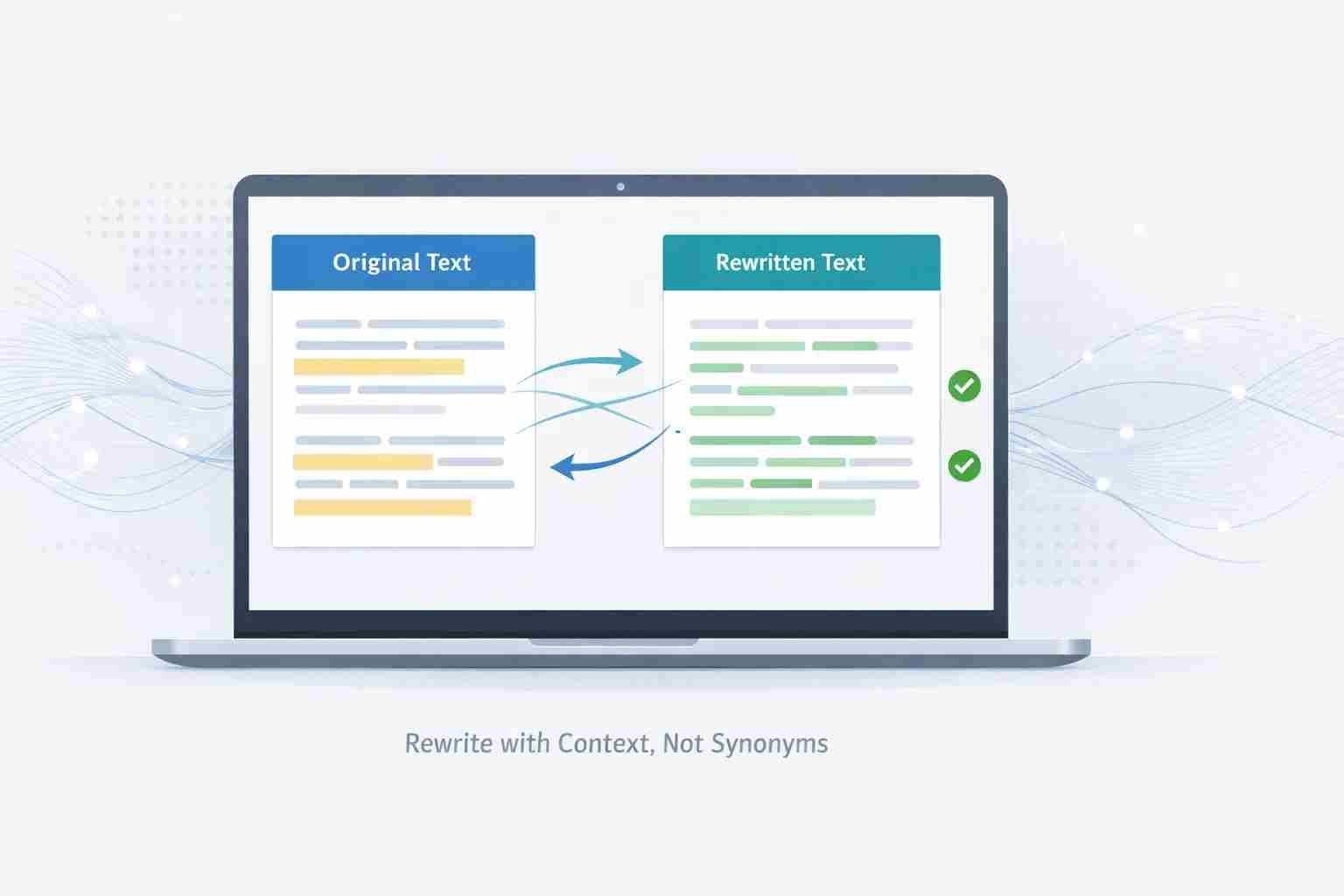
It rewrites full sentences with context, so the output reads naturally instead of looking like a synonym swap.
Useful tone options
Choose simple, formal, academic, or creative depending on where you plan to use the content.
Made for drafts
Perfect for refreshing old posts, rephrasing short sections, and generating alternate versions to edit further.
Smart Article Rewriting for SEO Drafts and Everyday Writing
Writing original content every day is not easy. Rewriting existing text can be just as frustrating, especially when you want to keep the meaning, tone, and clarity intact. This is where a reliable spinbot and paraphrasing tool becomes useful. FreeArticleSpinBot helps writers rephrase content sentences, refresh articles, and clean up rough drafts without turning text into something stiff or unnatural. Instead of swapping random words, the tool rewrites ideas with context in mind. The purpose is simple. Save time while keeping your writing readable and human. To understand how the platform works and why it exists, visit our About page.Why Writers Still Use Spinbots Today
Article rewriting tools are no longer about mass content or shortcuts. Writers, bloggers, and site owners now use article rewrite tools for focused, quality-driven tasks such as:- Updating older blog posts for SEO improvements
- Rewriting product descriptions with a new tone
- Creating alternate versions of the same article
- Improving clarity in early drafts
- Rephrasing paragraphs without changing intent
What Sets FreeArticleSpinBot Apart
Many spinners rely on blind synonym replacement. That approach often leads to broken grammar and confusing sentences. FreeArticleSpinBot works differently. It is built as a paraphrasing tool, not a random word changer. The system looks at full sentences and rewrites them in a way that still sounds natural. It supports editing, not instant publishing. If you want details on how user data is handled, see our Privacy Policy.Key features include:
- Context-aware article rewriting
- Multiple tone options for different audiences
- Support for sentence and paragraph rephrasing
- Clean output meant for review and editing
- A simple interface with no signup required
Everyday Ways People Use the Tool
FreeArticleSpinBot adapts well to different writing needs.Bloggers and Website Owners
- Rewrite introductions and conclusions
- Refresh existing SEO articles
- Create alternate versions for testing
Students and Learners
- Rephrase notes for better understanding
- Practice sentence restructuring
- Improve clarity in draft writing
Editors and Content Teams
- Remove repetitive wording
- Rewrite sections while keeping tone consistent
- Speed up editing workflows
Spinbot Versus Manual Rewriting
Here is a simple comparison showing where a paraphrasing tool fits best:| Task | Manual Writing | FreeArticleSpinBot |
|---|---|---|
| Rewriting long paragraphs | Time-consuming | Fast draft generation |
| Sentence rephrasing | Requires effort | Instant alternatives |
| Testing different tones | Difficult | Built-in tone options |
| Editing control | Full | Full after rewriting |
| Final responsibility | Writer | Writer |
The tool gives you a strong starting point. Judgment and final edits always stay with you.
Using a Rewriting Tool the Smart Way
A spinbot works best when used with care. Keep these tips in mind:- Use it for drafts, not final submissions
- Rewrite smaller sections for better results
- Proofread everything before publishing
- Double-check facts, names, and data
- Never use it for academic dishonesty
Article Rewriting and SEO
Search engines reward clarity, relevance, and usefulness. Rewriting content helps most when you are updating older posts or improving weak drafts. FreeArticleSpinBot can help you:- Reduce repeated phrasing
- Add sentence variety
- Modernize outdated wording
- Create alternate drafts for optimization
Designed for People, Not Automation
FreeArticleSpinBot includes limits and safeguards to keep the service fair and stable for everyone.- Better performance for real users
- Lower spam and abuse
- Equal access across the platform
Writing Still Comes First
A good article rewriting and paraphrasing tool should help you think more clearly, not push content out blindly. FreeArticleSpinBot supports writers during the draft stage by improving wording, flow, and structure. Use it to rephrase sentences, rewrite articles, test tone, and speed up editing. But always take the final step yourself. Clear writing still wins. The tool just helps you reach it faster.Frequently asked questions
How to use AI for article writing?
Use AI to rewrite sentences, improve flow, and generate draft ideas. Start with your own text, run a rewrite, then edit manually for clarity, accuracy, and originality before publishing.
Which AI is best for article writing?
The best AI depends on your goal. For drafts and rewriting, choose a tool that preserves meaning and improves readability. Always review output and add your own insights.
Is SpinBot an AI tool?
SpinBot works as an automated rewriting and paraphrasing tool. It helps you rephrase text for cleaner drafts, but you still control the final edit and publishing decisions.
Can SpinBot be detected?
Detection can happen if you publish raw output. Edit the rewrite, improve structure, add your voice, and proofread carefully. Human review reduces risk and improves quality.
Can Turnitin detect ChatGPT if it is paraphrased?
Tools and rules change often, so paraphrasing alone does not guarantee anything. Use AI for drafting help, then write and revise in your own words and follow your institution’s policy.
What is SpinBot used for?
SpinBot helps rewrite sentences, refresh articles, and improve clarity in drafts. Writers use it to reduce repetition, test different wording, and speed up early editing.
Which is better, SpinBot or QuillBot?
Both can help with rewriting. The best choice depends on the controls you like and the tone you want. Strong results still come from reviewing and refining the final text yourself.
Which is the best AI rewriter?
No single tool fits everyone. A good AI rewriter keeps your meaning, improves readability, and avoids awkward wording. Always proofread and polish before you publish.
Can SpinBot improve my writing?
Yes. SpinBot can improve flow and word choice in drafts. You get the best results when you edit the output, check facts, and adjust tone to match your audience.
What is the 30% rule in AI?
Some writers use the 30% rule as a guideline: keep AI as a small part of the final piece and make the majority your own work. Always follow your school or client rules.
Can ChatGPT write an article?
ChatGPT can produce a draft, but it can make mistakes and miss context. You should fact-check, add real examples, and rewrite sections to match your style before publishing.
What are 7 types of AI?
Common categories include reactive machines, limited memory, theory of mind, self-aware AI, narrow AI, general AI, and machine learning systems. Most writing tools use narrow AI.
How to check if AI wrote an article?
No check is perfect. Look for repetitive phrasing, generic tone, and weak examples. Editing for specificity, adding real insight, and improving structure makes content more human.
Why do 85% of AI projects fail?
AI projects often fail due to poor planning, weak data, unclear goals, and lack of human oversight. AI works best when people guide outputs and validate results carefully.
Can I use ChatGPT as a writer?
Use ChatGPT as a writing assistant for drafts and rewrites, not as a final author. You should review for accuracy, tone, and originality, then polish the final version yourself.
Is SpinBot good?
SpinBot is useful for rewriting drafts, reducing repetition, and improving sentence flow. You get the best outcomes when you proofread and refine the output before publishing.
How do I rewrite an article?
Rewrite in sections. Start with the intro, then update paragraphs one by one. Use a paraphrasing tool for draft alternatives, then edit for clarity, structure, and facts.
Is SpinBot better than a human writer?
No. A tool cannot replace human judgment and creativity. SpinBot helps you draft faster, but you still need to review, improve, and take responsibility for the final content.